Guides
How AI photo effects work, how to get a good result and what to watch for. Each guide says where its facts come from.
How AI photo effects work in ShowMeme
Follow your selfie from upload to result and see what the AI changes, why some photos fail and how long ShowMeme keeps the picture.
How funny voices and AI songs work in ShowMeme
What happens when you type a line for a pirate voice or record yourself for a song, what ShowMeme keeps, and where the result goes wrong.
How to Add Text to a Photo on Your Phone
Add text to a photo with iPhone Markup or the Google Photos editor, step by step, and see when a meme caption is faster in ShowMeme.
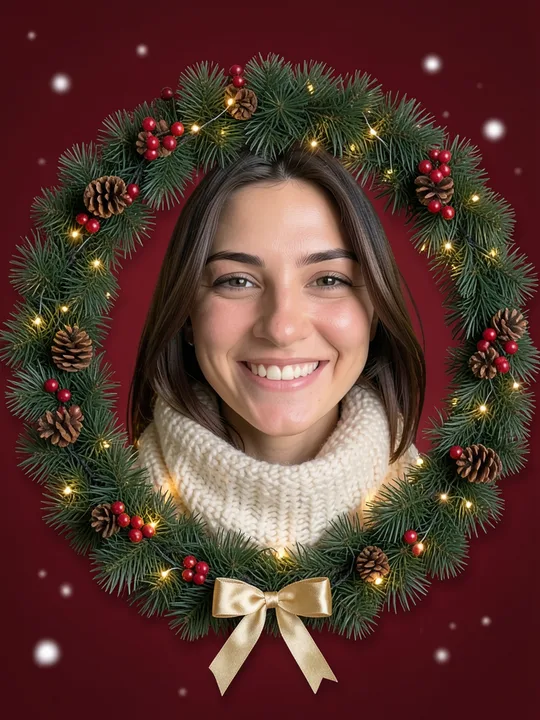
How to make a Christmas card from your photo
Pick a Christmas effect for your selfie, add your greeting as a caption, save the file and print it at a size that stays sharp.
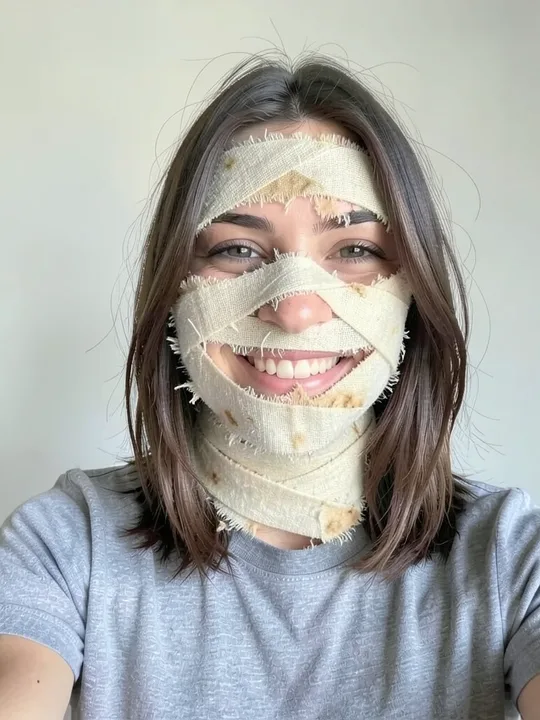
How to Make a Meme from Your Own Photo
Pick an AI effect, add your photo, write a top and a bottom caption, then save, share or publish your meme in ShowMeme, step by step.
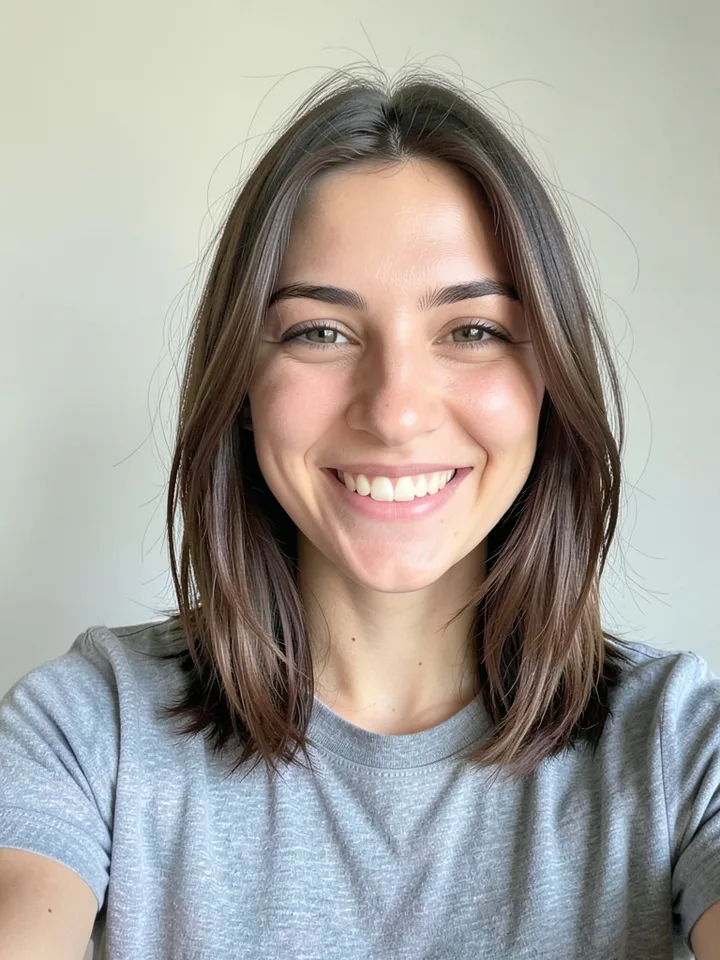
How to take a selfie and a full-body photo for AI effects
Light, angle, distance and background for photos that AI effects handle well, with every tip tied to how the effects are built and where they failed.
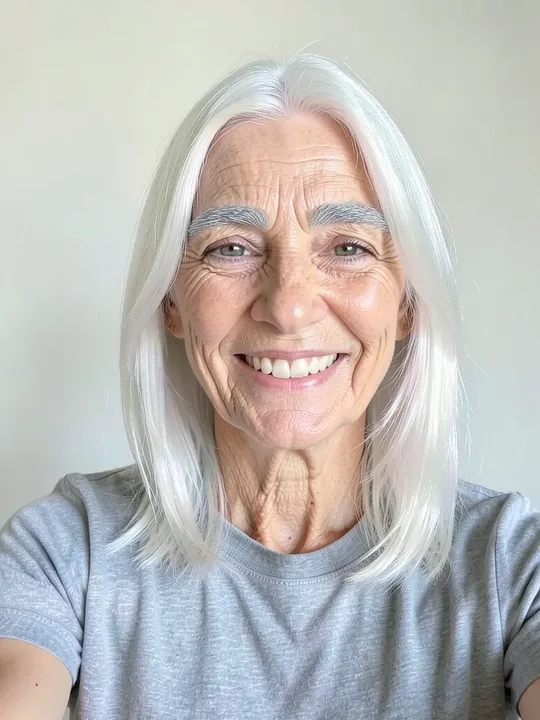
How to tell a picture or a song was made by AI
Find the visible mark on a ShowMeme result, read the "Made with AI" label saved inside the file, and see what a missing label does not prove.
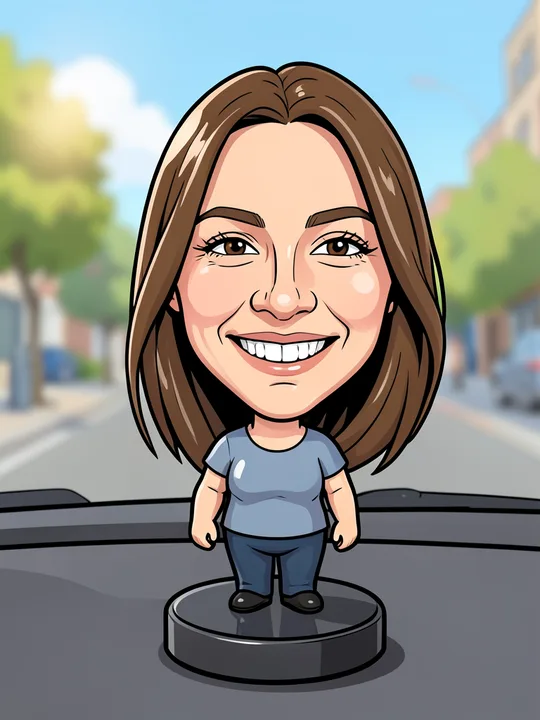
How to turn your photo into an AI caricature or cartoon
Turn one photo into a cartoon, an anime frame or a bobblehead in ShowMeme, and learn which photo works, what stays yours and where the AI slips.
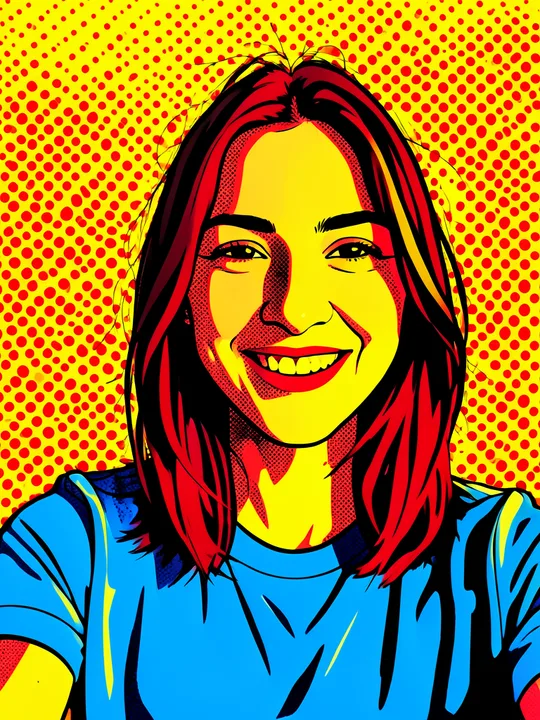
Meme formats explained for beginners
Five meme formats in plain language: image macro, reaction image, object labelling, multi-panel comic and before and after. How to read and write each.
Meme formats you can make from your own photo
Meme formats for your own selfie or full-body photo, each with the ShowMeme effects that fit, a caption idea and one tip.
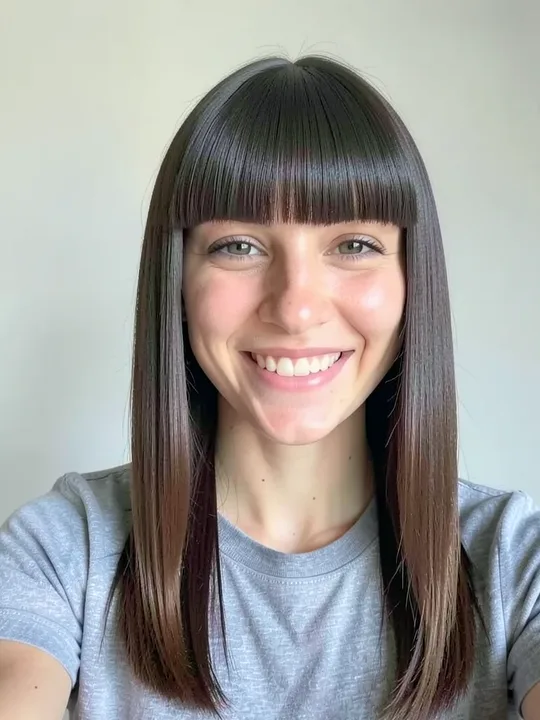
Try a hairstyle on your photo before the hairdresser
Put a new cut or hair colour on your own selfie, compare it with your photo on the before and after slider, and take the picture to your hairdresser.