Meme formats explained for beginners
Published
A meme is a picture that carries a joke or a feeling in one glance. Most memes you meet fit one of a few formats. Learn the five below and you can read most memes in your feed and write one that lands.
The five formats at a glance
| Format | What you see | The joke comes from |
|---|---|---|
| Image macro | One picture with a line on top and a line at the bottom | The gap between the picture and the two lines |
| Reaction image | A face or pose with little or no text | The feeling it shows, used as a reply |
| Object labelling | A scene with a word stuck on each person or thing | What each label turns the scene into |
| Multi-panel comic | Two to six frames in a row | A setup, then a turn in the last frame |
| Before and after | Two versions of one subject side by side | The change between them |
Image macro and reaction image
Image macro
An image macro is a picture with a caption at the top and one at the bottom. The top line sets the scene. The bottom line delivers the turn. Read it in that order: top, picture, bottom.
To write one, start with the picture. A strong expression or an odd pose does half the work. Then write the bottom line first, because it is the joke, and fit a top line that leads to it. Keep both short. In ShowMeme the editor allows 80 characters per line, wraps a long line to three rows and then shrinks the letters, so a short line stays big and readable on a phone screen.
Reaction image
A reaction image has no setup of its own. You send it in reply to something: a shocked face for bad news, a calm smile for a small win. You read it by asking what the face says, then what it answers.
To write one, you mostly choose rather than write. Pick an expression that is clear at thumbnail size. If you add words, add very few, because the face should do the talking. A reaction works best when the feeling is simple and the picture is tidy: one face, one background, no clutter.
Object labelling and multi-panel comic
Object labelling
Object labelling puts a word or short phrase on each person or thing in a scene, so the scene turns into a diagram of a situation. A crowd scene becomes "my plans" and "my free evening". A tangled cable becomes "my inbox".
You read it left to right and top to bottom, matching each label to its object, until the situation clicks. To write one, choose a picture with two or three clearly separate things. Give each a label of one to three words. The humour sits in the mismatch between the label and the object, so the labels must stay short and the objects must be easy to tell apart.
Multi-panel comic
A multi-panel comic tells a small story in frames, usually two to six. Read the frames in order. The first sets up, the middle builds, the last turns the story.
To write one, decide the last frame first. Then work backwards: what is the least you must show for that last frame to make sense? Each panel should add one new piece of information. If two panels say the same thing, delete one.
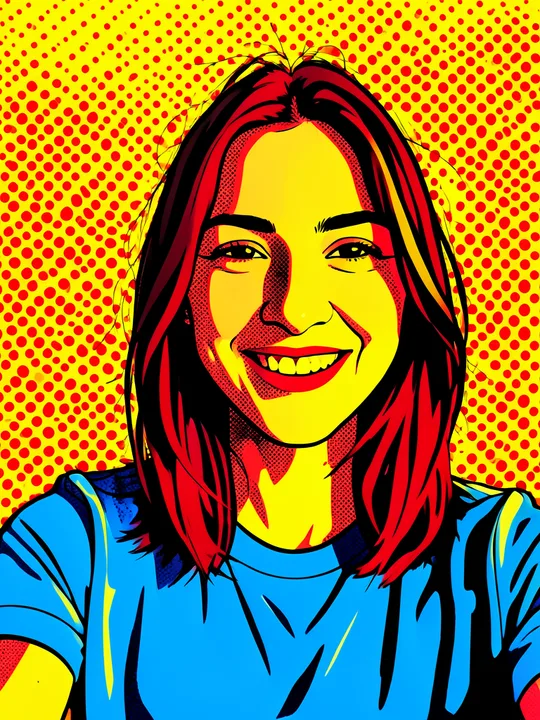
Comic-style effects give a photo a drawn look that suits this format. The Comic category has a list, including Pop art and Cartoon.
Before and after
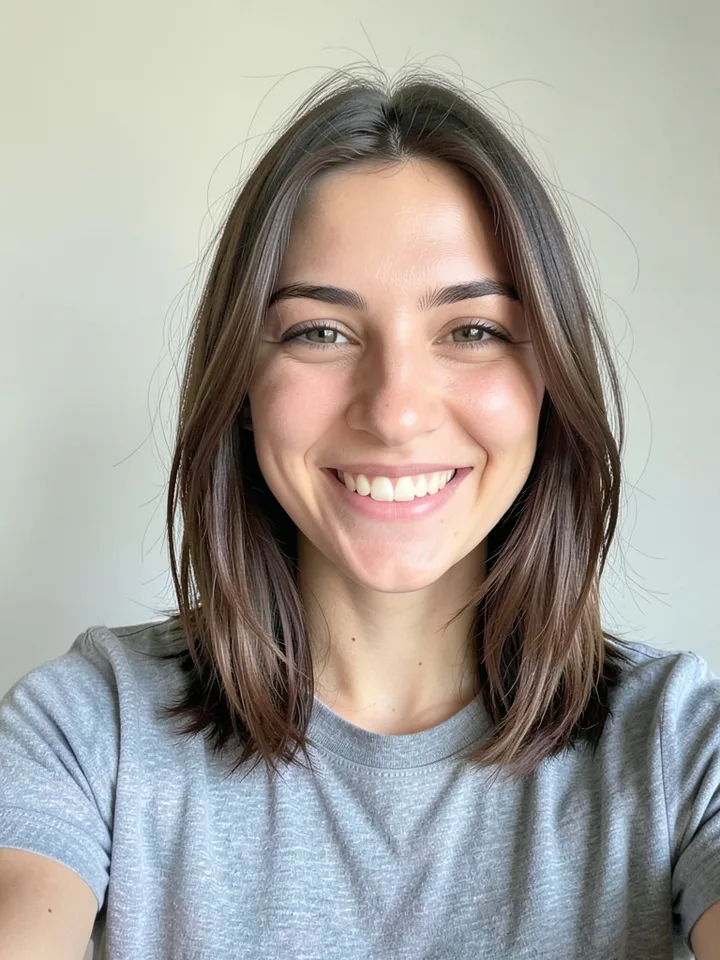
A before and after shows one subject twice, in two states, so the viewer reads the change. Left is the starting point, right is the result. The format works because the eye compares without being told to.
To write one, keep everything the same except the thing that changes: same angle, same distance, same light. If the framing drifts, the viewer compares framing instead of the change. Add a caption only if it names the change, such as "me, 30 years later".
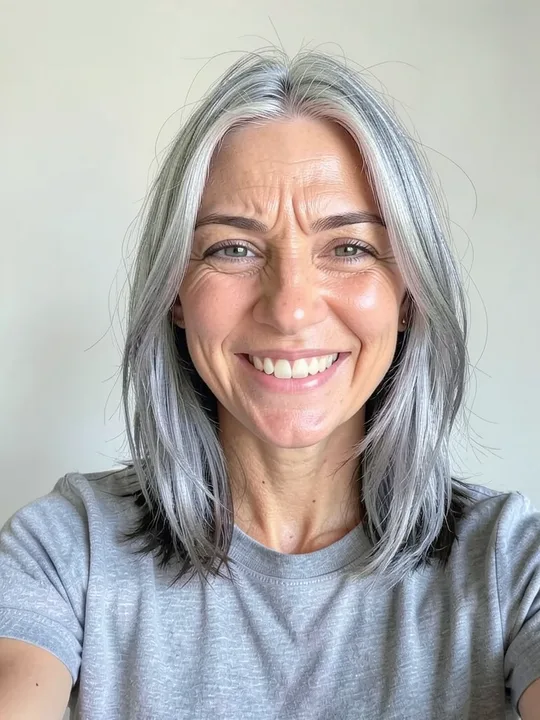
ShowMeme's +30 years effect gives you the "after" from your own photo: grey hair, deep crow's feet, smile lines and bags under the eyes, according to its description. More ageing options sit in the Age category.
Mistakes that sink any format
- Too much text. If a viewer needs ten seconds to read it, the joke is gone. Cut until each line fits one breath.
- No clear subject. A busy picture hides the point. Crop to what matters.
- Explaining the joke. If the picture and the line already work together, a third line only slows them down.
- A caption that repeats the picture. Saying what the picture already shows adds nothing. Say what the picture cannot.
- Low contrast text. Light letters on a light sky vanish. The ShowMeme editor draws white capitals with a dark outline, which keeps them readable on most pictures.
- Mixing formats. One meme, one format. A before and after with a six-line story reads as a mess.
What ShowMeme cannot do
The ShowMeme editor writes one top line and one bottom line on your picture. That covers the image macro and, with a short caption, a before and after or a reaction picture.
It does not place labels on individual objects, and it does not build panels. For object labelling or a multi-panel comic, you make each picture with an effect and join or label them in another app.
It has no library of other people's meme templates either. You start from your own photo.
Open the meme generator, or read how to make a meme from your own photo for the steps from photo to finished picture.