How to turn your photo into an AI caricature or cartoon
Published
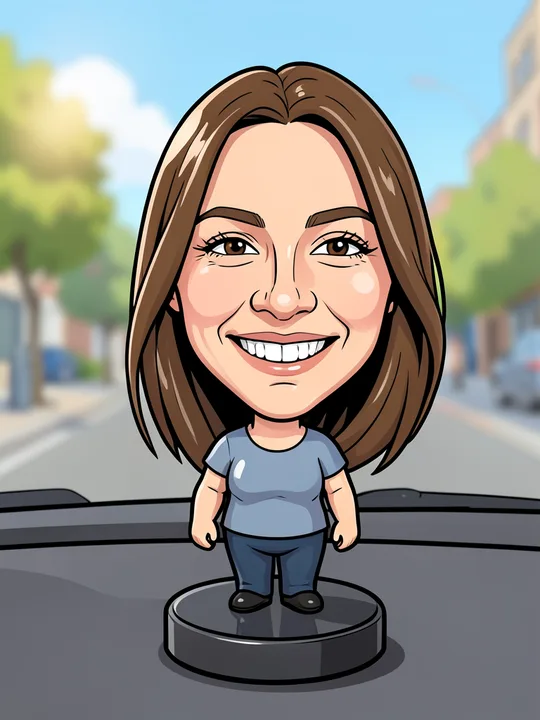
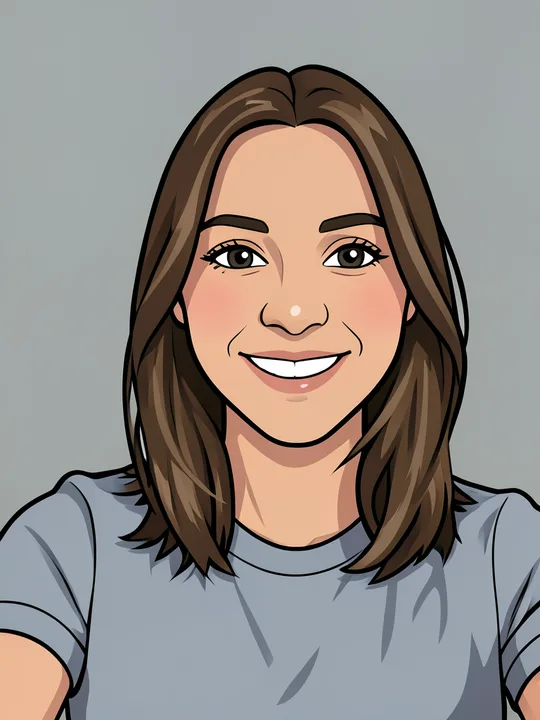
ShowMeme redraws one photo of you as a comic panel, an anime frame or a toy on a shelf. On 15 November 2026 the catalog has 29 such effects in three categories, and each one is written to keep your face recognisable. The nearest thing to a street caricature is Bobblehead, which puts an oversized head on a small body.
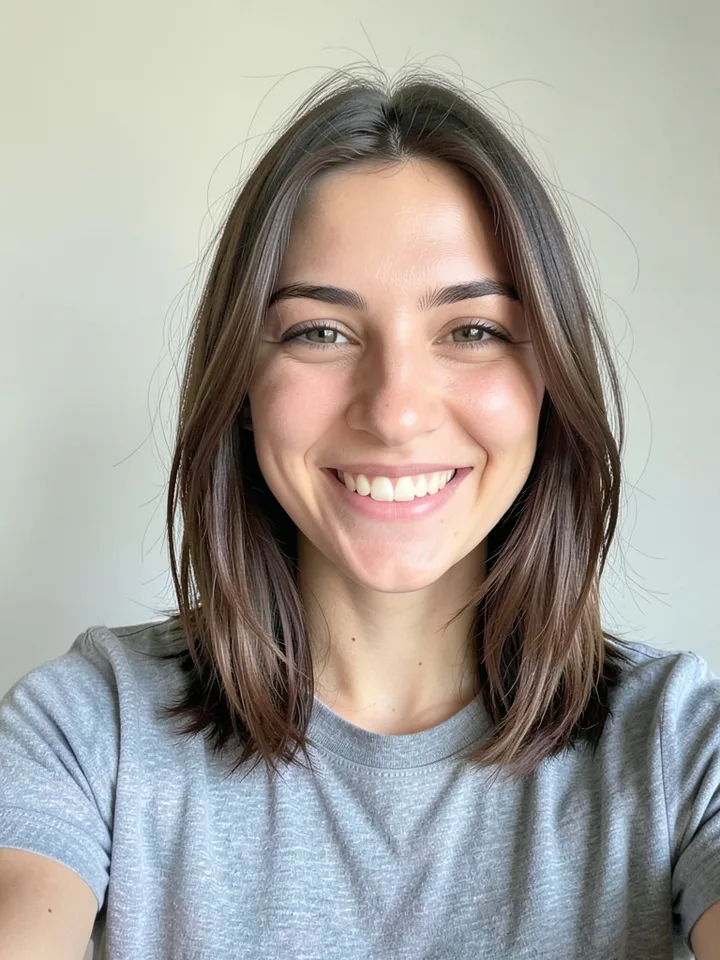
Three categories, 29 styles
Comic redraws the whole photo in one drawing technique: ink, pencil, pixels, watercolour. Manga & Anime draws you as an anime character, often in costume. Toys rebuilds you as an object, such as a resin bobblehead, a clay figure or an action figure sealed in its pack.
| Category | Effects |
|---|---|
| Comic (11) | Comic, Comic: full body, Cartoon, Pop art, Pixel art, Pencil sketch, Sticker, Watercolour, Manga ink, Colouring page, Noir comic |
| Manga & Anime (10) | Anime portrait, Shōjo, Chibi sticker, Magic academy, Mecha pilot, Shōnen hero, Neon city anime, 90s anime, Space captain, Fantasy hero |
| Toys (8) | Boxed action figure, Collector figurine, Clay figure, Bobblehead, Plush toy, Crochet doll, Snow globe, Nesting doll |
Some effects are free and some cost coins. The tile of each effect on the site shows its current price. On the free plan an ad plays before the result.
What the Natural and Comic switch changes
After you add a photo, ShowMeme asks "How should I draw you?" and offers two cards. Natural says "The photo stays a photo." Comic says "A drawing: bold lines, flat colours." You pick once per character. To try the other mode, make a new character from the same photo.
What you get depends on the category:
- In Comic, nothing changes. All 11 effects are drawings already and run the same instruction in both modes.
- In Manga & Anime, Natural gives a colour anime frame. Comic gives a black-and-white manga page with ink lines, screentone dots and paper-white skin.
- In Toys, Natural gives a photo of the toy. Comic draws that toy with black outlines and flat colours. This guide's cover is Bobblehead in Comic mode.
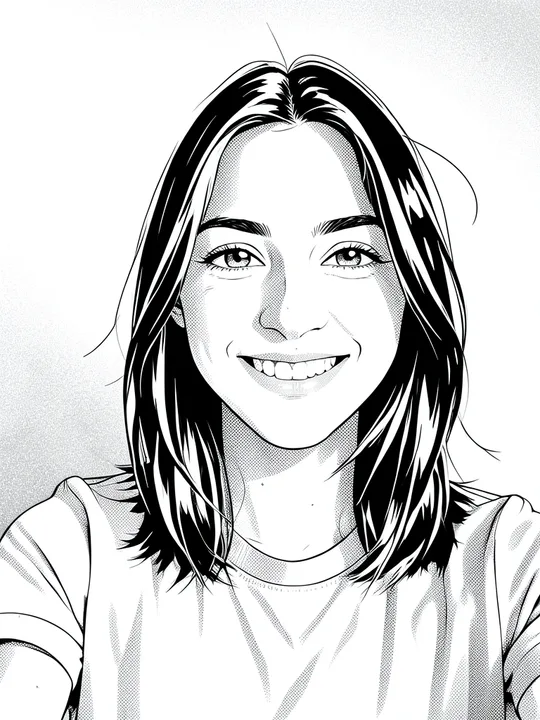
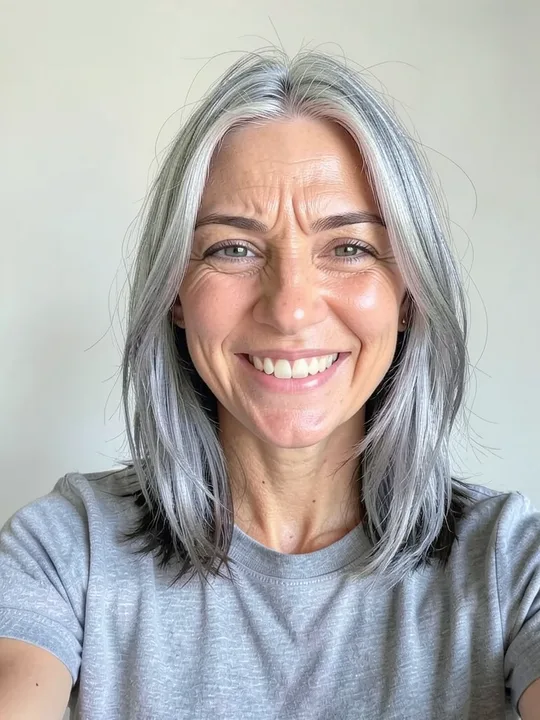
Tip: every effect page shows its example on a woman and on a man, as a photo and as a comic. Flip the switch before you start.
Which photo works
- Open an effect, say Cartoon or Chibi sticker, and tap "Try it on your photo".
- Choose the frame. Selfie means face and shoulders. Full body means head to toe.
- Take the photo or pick one from your gallery. JPG, PNG and WebP work, up to 10 MB.
- Answer "Who is in the photo?" with Woman, Man or Skip, pick Natural or Comic, and go to the studio.
- Accept the terms the first time, then tap the effect's card. You can add another effect on top and undo every step.
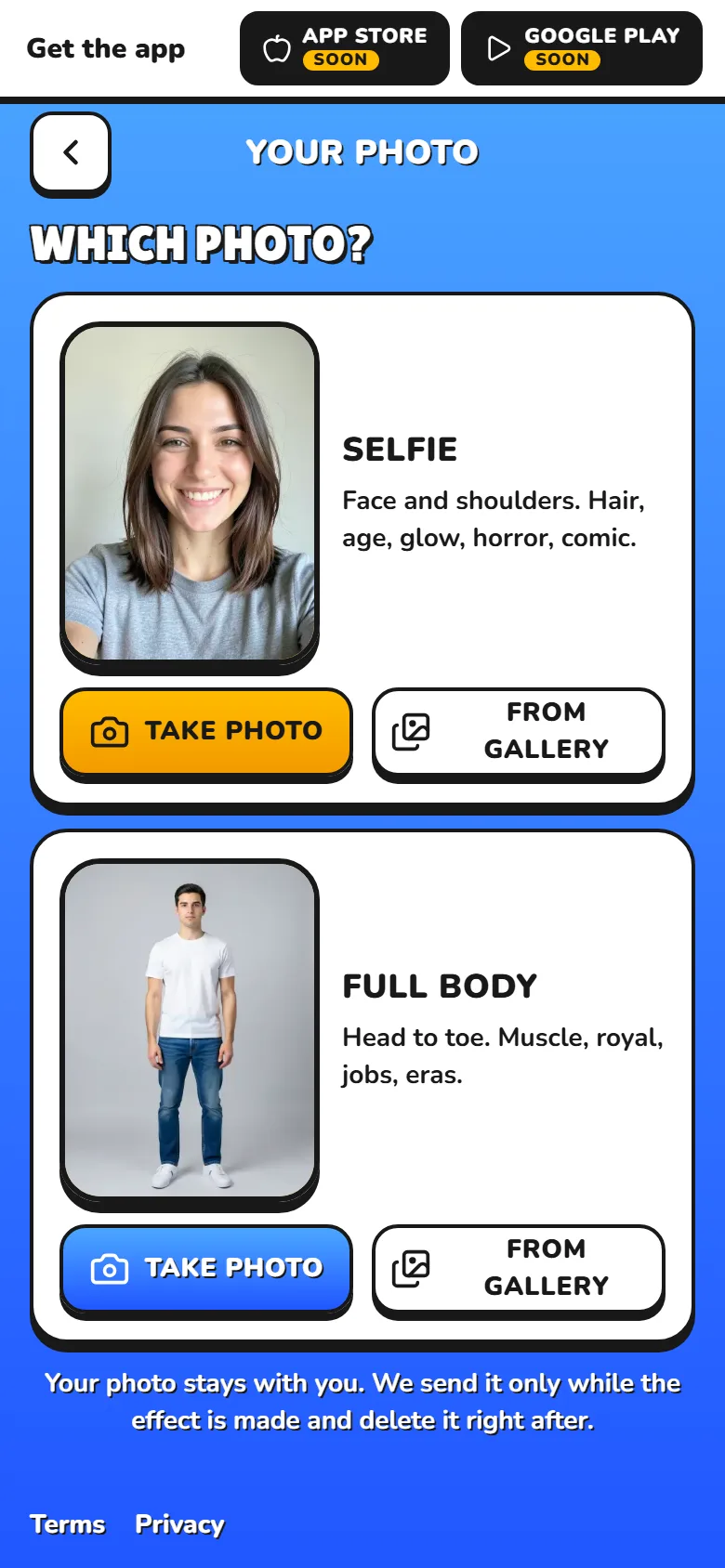
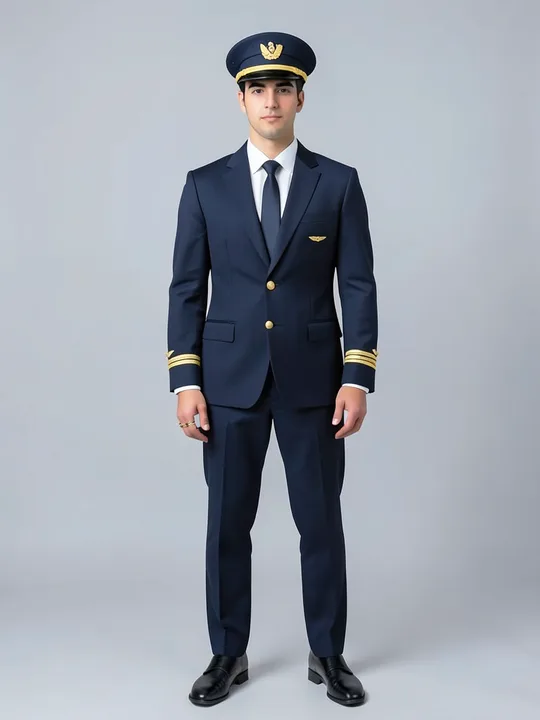
Four of the 29 effects need the full-body frame. They are Comic: full body, Mecha pilot, Boxed action figure and Collector figurine. On a selfie their cards are greyed out and say "Needs a full-body photo".
The model is told to keep your pose, framing and expression, so smile in the photo if you want a smiling cartoon. Cartoon replaces the background with one flat colour taken from your photo.
We reviewed every effect on generated portraits of one adult, a woman and a man, in soft daylight against a plain light background. We did not test sunglasses, hats or group shots.
What the result keeps
Each of the 29 instructions lists things to leave alone. All of them name your facial identity. Most add face shape, expression, hairstyle, hair colour, clothing, pose and composition.
Before an effect goes public, it gets an independent review on a woman's portrait and a man's portrait. It passes when the face reads as the same person (eyes, nose, mouth, face shape), nothing moved except what the effect describes, and the picture has no extra limbs, melted hands, stray text or cropped heads. Skin that comes out lighter or darker than the photo blocks the effect.
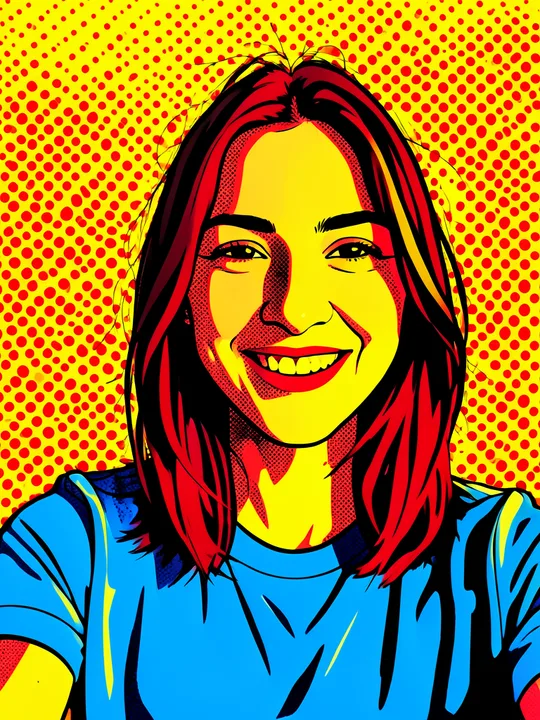
Some styles change colour on purpose. Pop art repaints you in red, yellow and blue, so in the example brown hair comes out red and the grey T-shirt blue.
Where it slips
Our reviews in early November 2026 noted these misses in effects that are live:
- Cartoon closed a toothy smile on the man's photo.
- Colouring page added lines around the man's eyes, so he looks older.
- Nesting doll in Comic mode turned green-grey eyes brown.
- Comic mode shifts skin tone. It tends to lighten medium and olive skin, most on full-body photos, and the Comic example on this site came out a little darker and warmer than the photo.
If a result misses, undo the step and try another style.
What it cannot do
- Stretch your nose, chin or ears the way a street caricaturist does. Bobblehead and Chibi sticker enlarge the head, and Cartoon makes the eyes slightly larger. That is the limit.
- Add your words. An effect takes your photo and no text, so the box of Boxed action figure shows a white star and yellow stripes, no name. For a caption, tap "Make a meme" under your result or start from the meme generator.
- Make a 3D cartoon. We hid that effect on 7 November 2026, after three versions of the instruction kept turning black hair grey-brown and skin pink. Paper cut-out and Wooden puppet are hidden too. The first changed the man's hair colour, the second gave him a pale wig.
For a first try, pick Comic, Anime portrait or Clay figure. The full list is on the effects page.