How AI photo effects work in ShowMeme
Published
ShowMeme sends your selfie to an AI model together with a written instruction, and the model redraws the photo with one thing changed. Your original stays on your device, our server holds it only while the effect is made, and the result disappears after 48 hours.
From your phone to the result
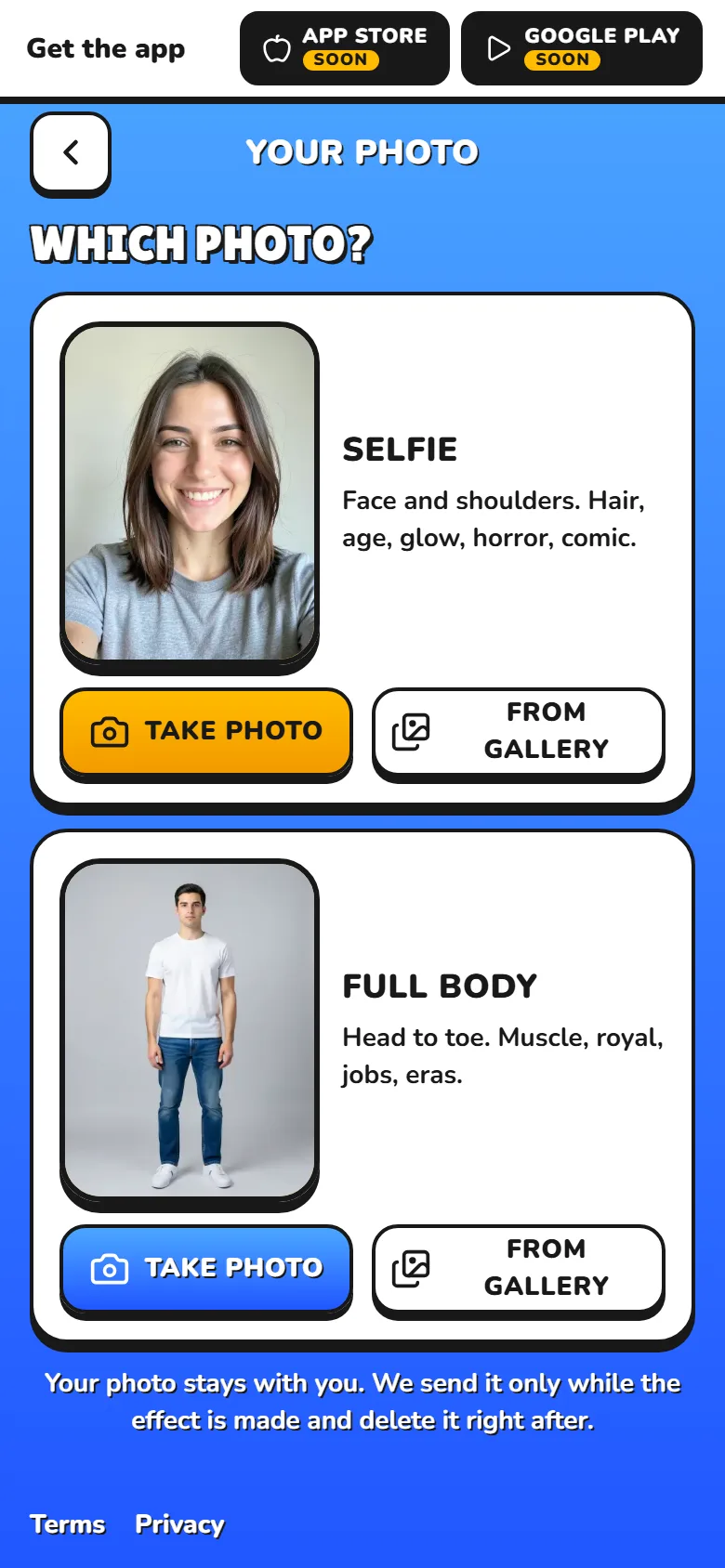
- Your browser shrinks the photo to at most 1024 pixels on the longer side, strips its metadata, location included, and saves it in its own storage. Nothing has left your device yet.
- The photo page asks "How should I draw you?" (Natural or Comic) and "Who is in the photo?" (Woman, Man or Skip).
- You tap an effect. Your browser sends the photo and your choices to our server, which holds the photo in working memory and never writes it to disk.
- The photo goes through OpenRouter to an AI model that checks it against our content rules. The model's host keeps no copy.
- The photo and our instruction for the effect go to deAPI, which runs the AI model that edits the photo.
- Our server downloads the result, runs the same check on it, adds the watermark and the AI label, and shows it to you.
Add a second effect and your browser sends the photo again, because our server did not keep it. The model now gets two pictures: your original as the reference for your face, and the previous result to edit. You can undo every step.
What the model changes and what it keeps
You never type the instruction. We wrote one for each effect, and they follow one plan. The first sentence names one change, such as a pink bob. The next ones describe it in plain words: colour, shape, material, how the light falls. The last one lists what has to stay. In most effects that is your face, your pose, the lighting and the background. Style effects in the Comic category redraw the whole photo, so their list names your face, hairstyle, clothing and pose.
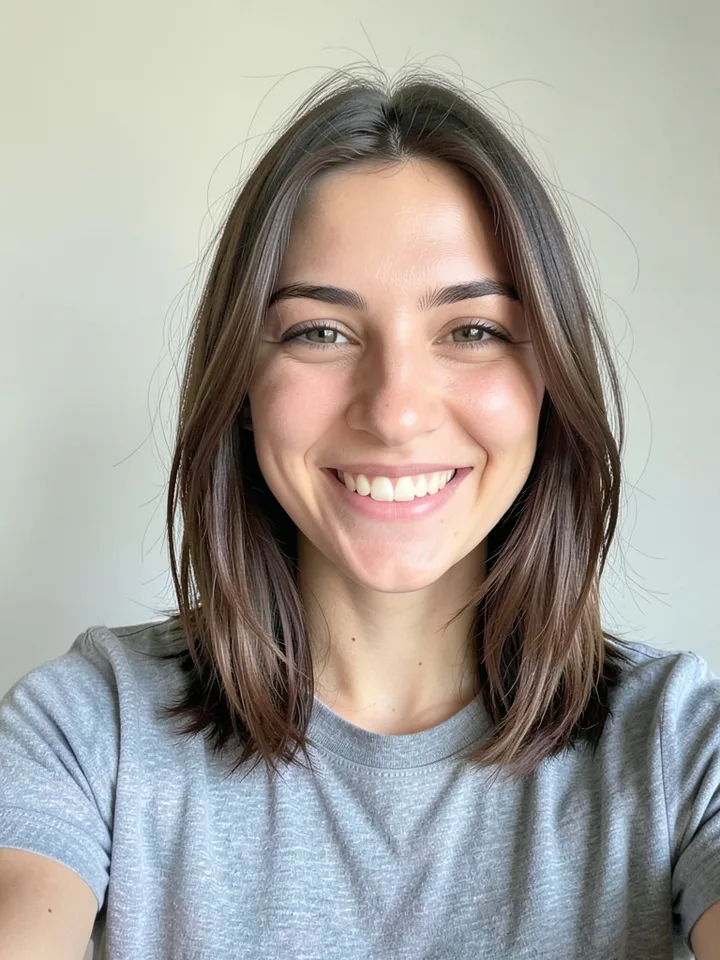
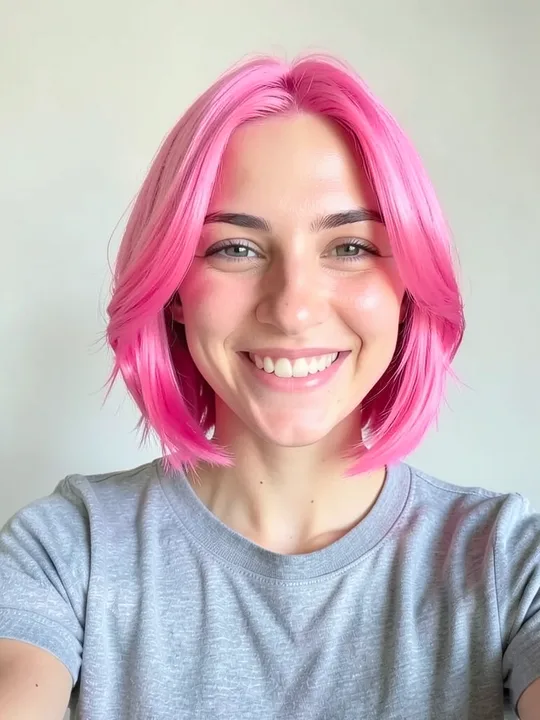
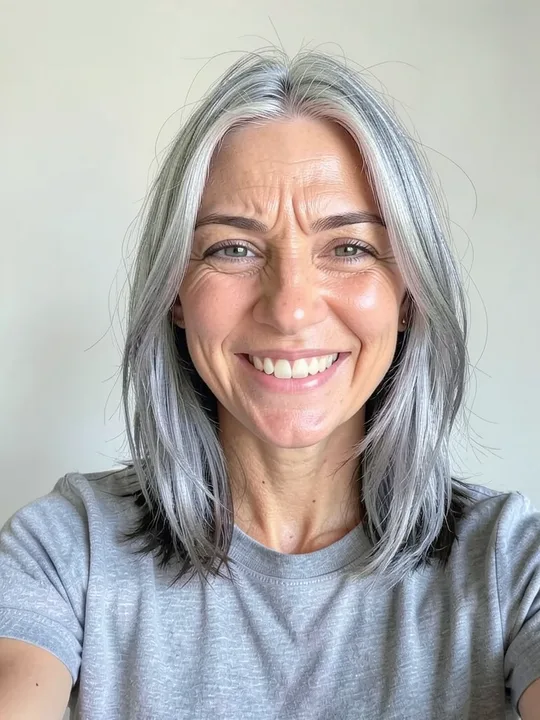
That is Pink bob from the Hair category on our own example photo. Examples never come from users' uploads. The hair is new. The smile, the grey T-shirt and the pale wall stayed.
The model ignores words such as "no" and "without", so an instruction describes the picture we want and leaves out what to avoid.
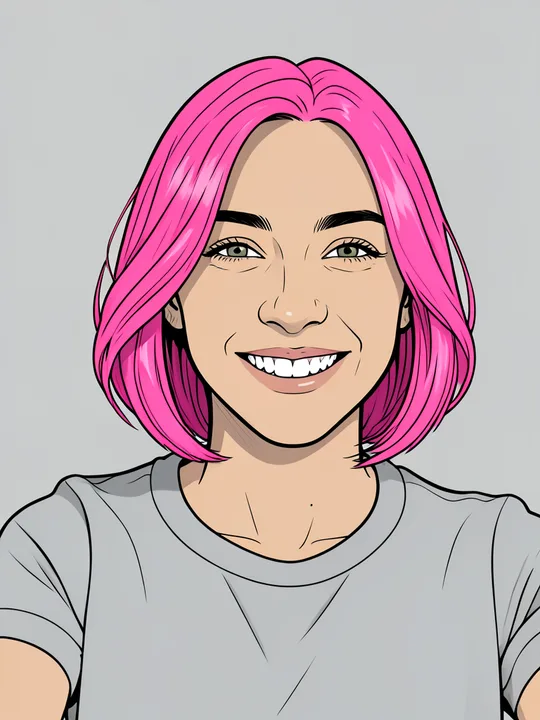
Your answer to "Who is in the photo?" only picks the words in the instruction. The model changes the pixels of your photo. It does not recognise who you are, and we build no face templates and compare no faces.
What it cannot do
- It takes no instruction from you. The studio has no field for your own prompt.
- It cannot promise a likeness. The model may change skin tone, age, face shape or hair more than the effect says.
- It slips on details. Extra fingers, garbled text and a broken background happen.
- Comic mode tends to draw medium and olive skin lighter than in the photo, most of all on full-body photos.
Why some photos fail
| The studio says | What happened | What to do |
|---|---|---|
| "This effect needs a full-body photo." | Muscle, Jobs, Era and Try on effects need a photo from head to toe. | Add a full-body photo. |
| "That is not a photo. JPG, PNG or WebP." | The file is in another format. A photo also needs at least 128 pixels on each side. | Save it as JPG, PNG or WebP. |
| "I cannot work with this photo. Try another one." | The check found something our content rules block, such as nudity or real gore. It can also stop a harmless photo by mistake. | Try another photo, or write to us and a person reviews the case. |
| "The result did not pass the check." | The finished picture goes through the same check before you see it. | Try another effect. |
How long your photo and the result stay
| Where | How long |
|---|---|
| Your browser | 24 hours, then deleted the next time you open the photo page or the studio |
| The Android app | Until you add a new photo, clear the app's data or uninstall it |
| Our server | Only while the effect is made, about 10 minutes at the latest, never on disk |
| deAPI | Photo not kept after the request, result deleted within 24 hours (deAPI's privacy policy, read on 5 November 2026) |
| The result, in our file storage in the EU | 48 hours, Premium results included |
For those 48 hours the result has its own link, and anyone you send it to can open it. "Delete now" removes it sooner. We do not use your photos or results to train AI models. The Privacy Policy lists every other retention period.
Your browser draws the captions you add in the meme generator, so they reach us only if you publish the meme on the Top list.
The AI mark, free effects and coins
Every picture from the studio carries two marks: the Shomi mark with "showmeme.app" in the bottom-right corner, and a label in the file's metadata that tells software the image was made with generative AI. Premium results drop the visible mark and keep the label. The Terms ask you to leave both in place.
The studio has a daily limit of free effects, and you need no account for them. While ads are switched on, a rewarded ad plays before each free effect. Past that limit, and for effects marked as premium (a padlock and a price), you pay in coins.
Coins live on an account and do not expire. You collect them for free with a daily check-in, and you can buy them only in the ShowMeme app for Android. The button shows the price before you pay. The coins go only when the result is ready. If the effect fails, the check blocks it or you cancel, they come back.
Pick an effect in the catalogue and try it on your own photo.