Meme formats you can make from your own photo
Published
Every ShowMeme meme starts from your own photo. You add a selfie or a full-body photo, tap an effect and write one line on top and one at the bottom. Each format below comes with effects that fit, a caption idea and one tip.
How a meme comes together here
- Open the meme generator or the effects list and add a photo. A selfie is face and shoulders. A full-body photo is head to toe.
- Tap an effect. Effects marked with a padlock cost coins.
- Under the result, tap "Make a meme". Type the top line and the bottom line, then pick size S, M or L.
The editor draws the caption on your device in white capitals with a dark outline, and the caption costs nothing. Once you sign in, a captioned meme can go on the Top list, where people vote for the memes of the week.
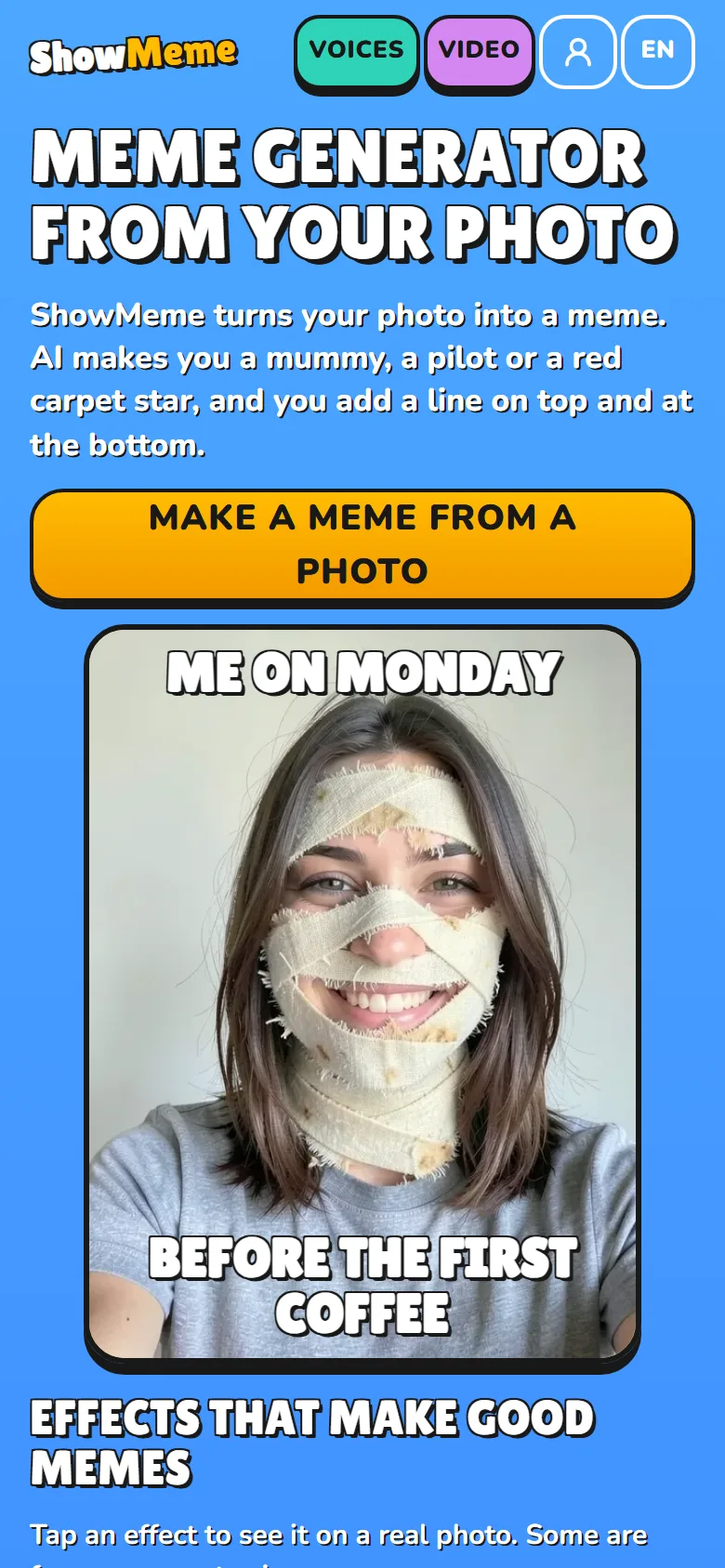
Change the face
Both formats work on a selfie.
Top-and-bottom caption on a changed selfie
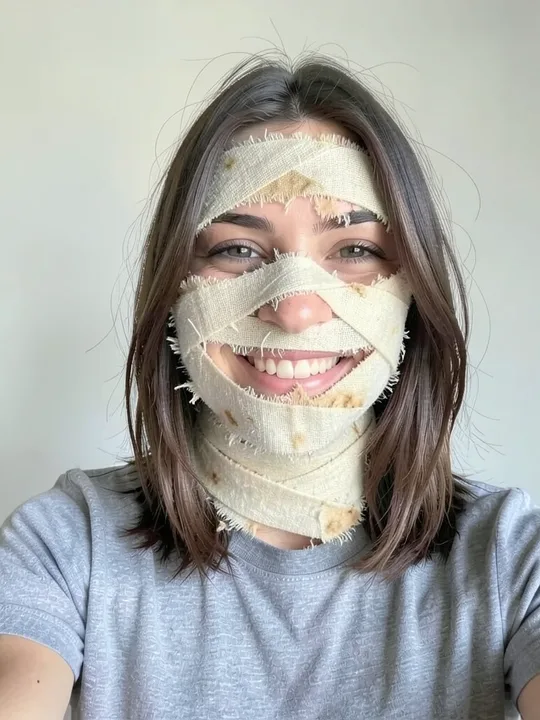
One effect changes your face and two lines say why. Mummy wraps your forehead, cheeks and neck in bandage and leaves your eyes and smile visible. Bowl cut, Bald head and Mullet change only the hair. Zombie turns your skin grey-green.
Caption idea, on Bowl cut: top "Mum said she could", bottom "cut it herself".
Tip: smile in the photo. These effects keep your expression, and a grin under a bowl cut is half the joke.
Before and after
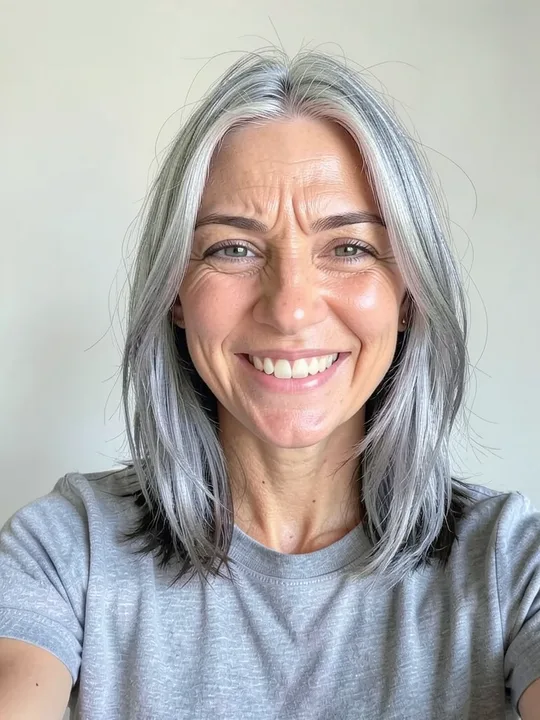
The effects in the Age category keep your pose and background, so the result lines up with the photo you started from. +30 years brings grey hair and crow's feet, +50 years gives you the grandparent version, and -10 years goes the other way. For a lighter change, Back from holiday adds a light tan and rested eyes.
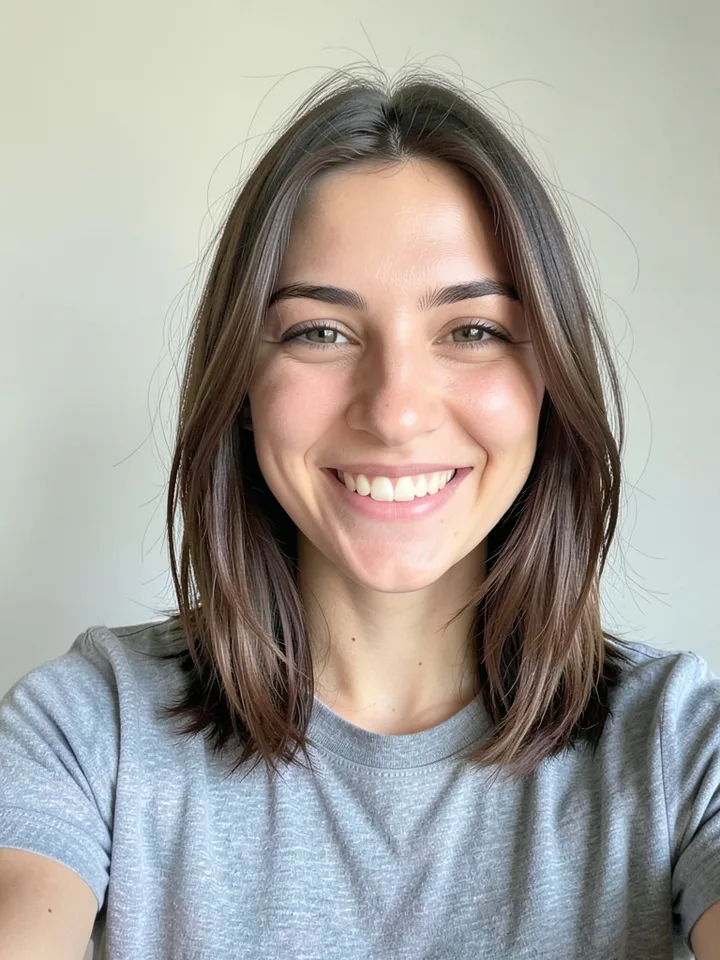
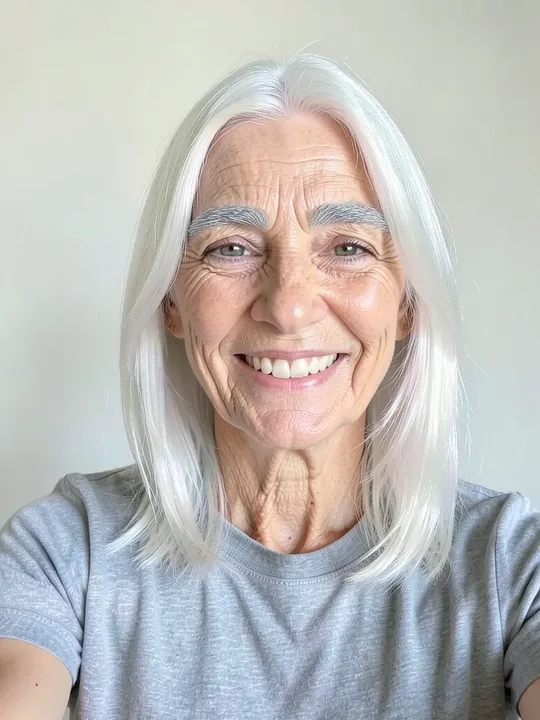
The "Before / After" button on the result screen puts both pictures under one slider you can drag. Or send your original photo first and the captioned result second.
Caption idea, on +50 years: top "Me after assembling", bottom "one flat-pack wardrobe".
Tip: for the "before", send the exact photo you uploaded. A second selfie from another angle will not line up with the result.
Change the outfit
Both formats need a full-body photo.
The costume or job joke
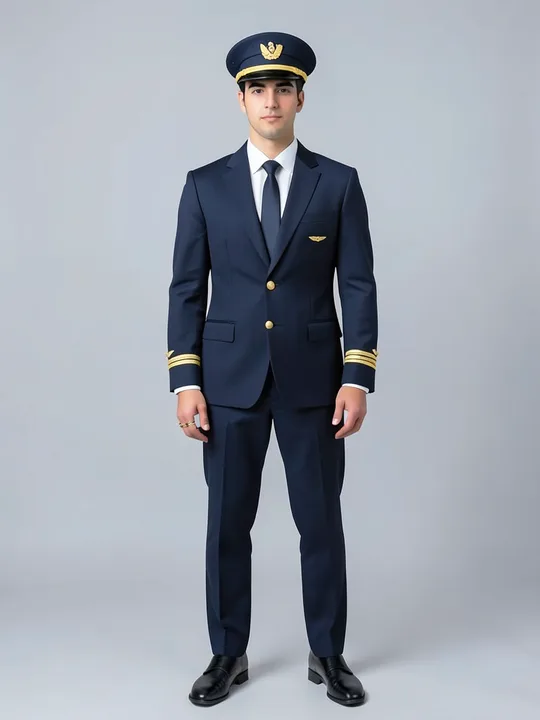
Every effect in the Jobs category dresses you from head to toe. Judge is a black robe with a white collar. Chef comes with a tall hat and Astronaut with a helmet under the arm. For a costume, try Wolf costume or Tree costume.
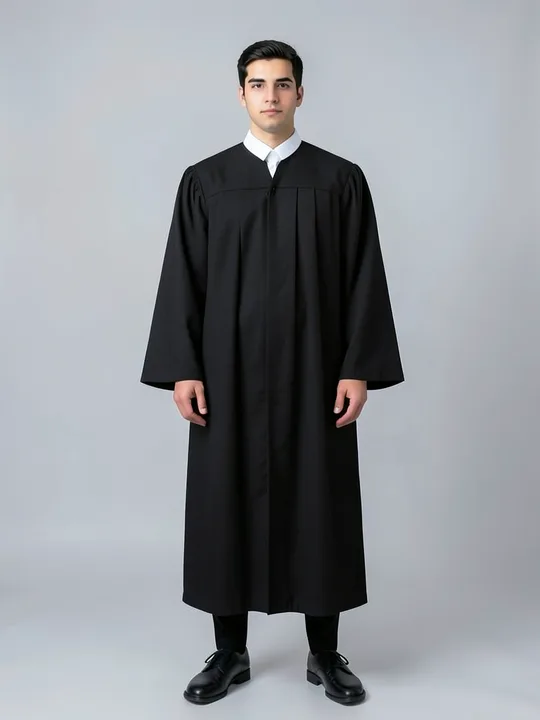
Caption idea, on Judge: top "Who finished the milk", bottom "and put the carton back".
Tip: take the full-body photo first. On a selfie these cards are greyed out and say "Needs a full-body photo".
The era swap
The Era category changes your clothes and is written to leave your face, pose and background alone. The 80s puts you in a neon windbreaker, The 90s in plaid flannel and baggy jeans, The 1920s in a three-piece suit and a newsboy cap. Further back you get Medieval Knight and Viking.
Caption idea, on The 80s: top "Dad: back in my day", bottom "which was 1986".
Tip: most decade effects name a year in their description, such as 1925, 1955, 1975, 1986 or 1994. Put that year in your caption.
Change the style
The comic panel
The Comic category redraws your photo. Comic gives you bold ink, flat colours and halftone shadows. Pop art uses big dots and primary colours, Noir comic is black and white with heavy shadows, and Manga ink adds hatching and screentone.
Caption idea, on Noir comic: top "It was a quiet Tuesday", bottom "until the printer jammed".
Tip: one result is one panel. For a strip, make three results from the same photo and post them in order.
The toy figure
Boxed action figure seals you in a blister pack next to a tiny phone, a coffee cup, sneakers and a backpack. Collector figurine stands you on a clear base with its box behind. Both need a full-body photo. On a selfie, the Toys category has Bobblehead, Plush toy and Clay figure.
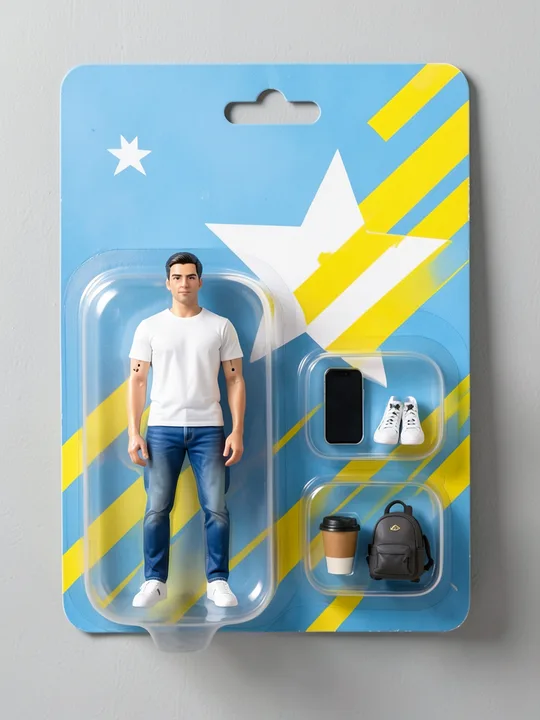
Caption idea, on Boxed action figure: top "Office worker, basic edition", bottom "patience sold separately".
Tip: the boxed figure wears the clothes from your photo. Dress for the joke before you take the picture.
Follow the calendar
For a seasonal card, Christmas card frames your portrait in a fir wreath with lights on deep red. Lighter options from the Christmas category are Santa hat, Reindeer antlers and Christmas sweater. For Halloween, the Horror category has Pumpkin ghoul and Witch.

Caption idea, on Christmas card: top "Merry Christmas", bottom "from the one who ate the gingerbread".
Tip: the wreath frames your portrait, so check the preview before you tap "Done" and drop to size S if a line crowds it.
What it cannot do
- The editor has two text fields, top and bottom. You cannot move the text, change the font or pick a colour.
- One file holds one picture. Strips are not built in.
- There are no templates with film stills or famous characters. The styles are ShowMeme's own.
- Other people's photos need their consent, and the content rules forbid deepfakes of public figures.
- The AI can change your face more than the effect promises or add odd details. How AI photo effects work explains why.
- A free result carries a small showmeme.app mark in the bottom-right corner. The bottom caption sits above it, and the Terms forbid cropping it out.
The server deletes a result after 48 hours, so save the meme to your phone before then.